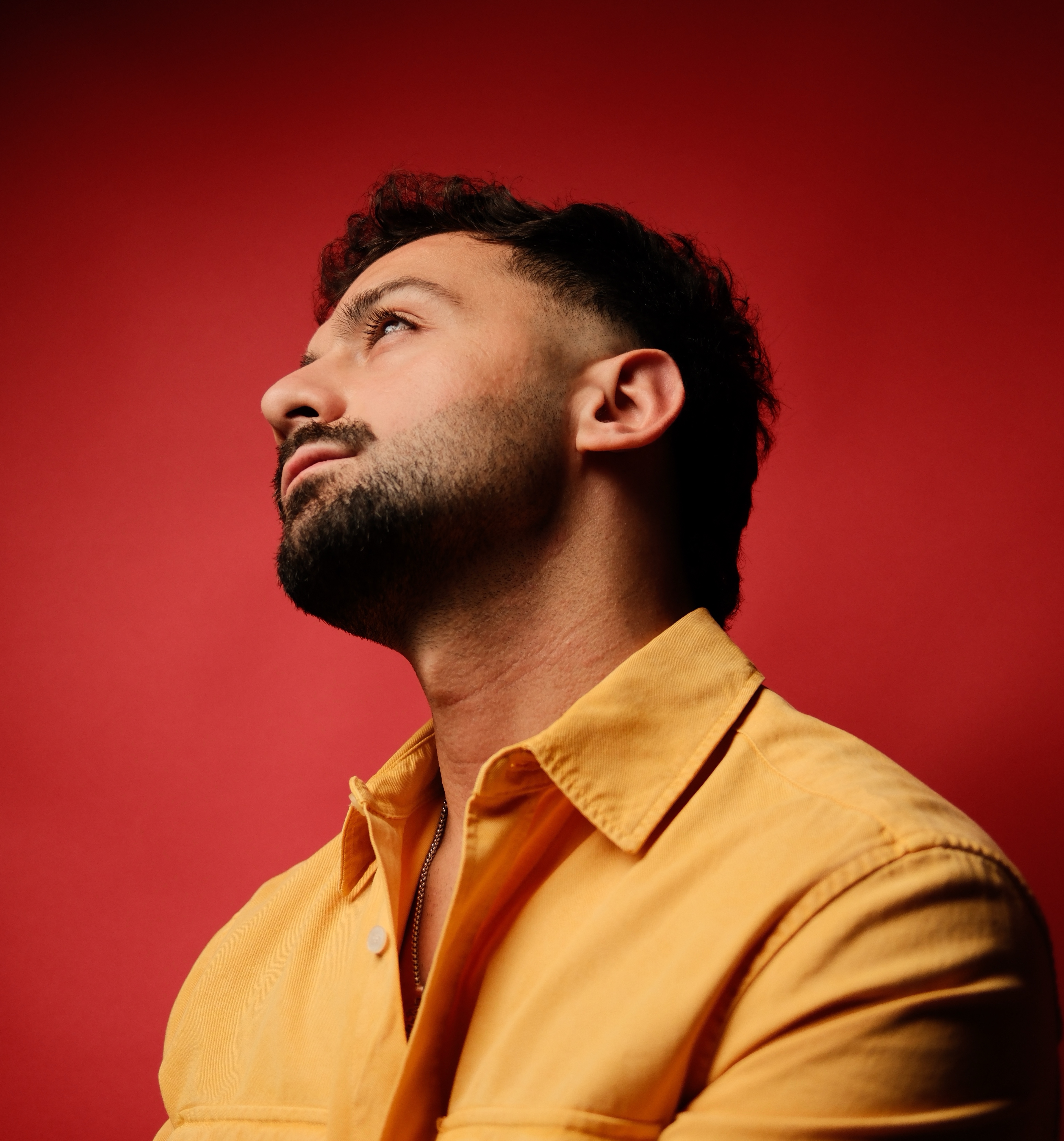
€35
iPhone Lightroom Preset Pack
This pack is built specifically for Apple RAW images, these presets deliver rich cinematic tones, soft highlights, natural contrast, and a polished professional look with a simple one click workflow inside Lightroom Mobile.
Whether you shoot everyday moments, travel, cars, street photography, gym content, or social media content, these presets are designed to give your photos a consistent cinematic aesthetic without overcomplicated editing.
Included Presets
3001
A punchy cinematic look with moody contrast, rich colors, and a clean modern feel.
Aura Mist
A softer dreamy look with smooth highlights, soft contrast, and atmospheric tones.
Mono
A timeless black & white preset inspired by the Leica Monochrom look with deep contrast and detailed textures.
Highway 74
A nostalgic warm-toned preset inspired by vintage film colors and sunset road-trip aesthetics.
Built for RAW Images
These presets are designed specifically for RAW / Apple ProRAW photos.
For best results:
• Shoot in RAW or Apple ProRAW mode
• Use good natural lighting
• Expose your image properly while shooting
JPEG images may not produce the same results.
Important
Presets are not magic filters.
Lighting, white balance, exposure, and the colors inside your frame still matter.
Depending on how your photo was captured, you may need to slightly adjust:
• Exposure
• White balance
Compatible With
Works in:
• Lightroom Mobile (iPhone)
• Lightroom Desktop
• Adobe Camera RAW
Installation
The presets come as DNG files.
To install:
- Import the DNG files into Lightroom Mobile
- Open the image
- Tap the three dots in the top corner
- Select “Create Preset” / “Save as Preset”
- Apply the preset to your own RAW photos
What’s Included
• 4 iPhone Presets
• 3001
• Aura Mist
• Mono
• Highway 74